Etsy Variations & Personalization: Set Them Up Without Losing Money
By The MyShop Team · 2026-07-18 · 10 min read
Variations and personalization are two of Etsy's most useful listing features, and two of the most commonly misused. Done well, variations let a single listing offer many sizes, colors, or materials, concentrating all your reviews and search history in one place. Personalization lets buyers add names, dates, or custom text so you can sell made-to-order work at scale. Done poorly, they quietly bleed money through mispriced options, oversold stock, and vague custom instructions that lead to remakes and refunds. This guide shows how to set both up so they add revenue instead of headaches.
Key takeaway: Use variations to combine related options into one strong listing, and set price differences on any variation that costs you more so you never undercharge. Turn on the personalization box only when you truly need custom input, and write a tightly worded prompt that tells buyers exactly what to enter. Clear setup prevents the two biggest losses: underpriced upgrades and unusable custom instructions.

What variations are and why they matter
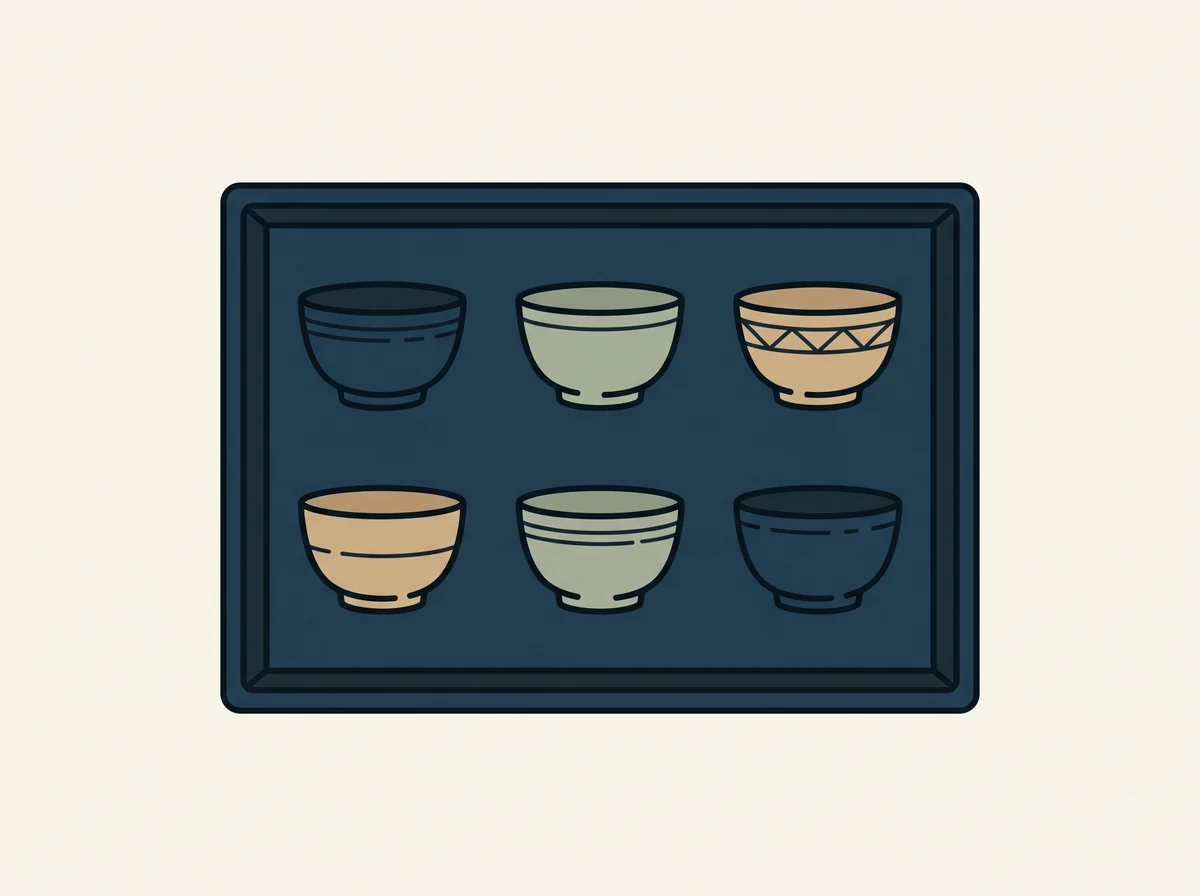
A variation is a selectable option on a listing, such as size, color, length, scent, or finish. Instead of creating ten near-identical listings for ten colors, you create one listing with a color variation. This matters for more than tidiness. Etsy rewards listings that accumulate clicks, favorites, sales, and reviews, and splitting those signals across many duplicate listings dilutes every one of them. Consolidating into a single listing with variations concentrates your ranking power and makes your best product look as popular as it really is.
Variations also improve the buyer experience. Shoppers can compare options in one place, and a listing that shows a rich set of choices often feels more established and trustworthy than a thin one.
Setting up variations correctly
Etsy lets you add up to three variation types per listing, for example Size, Color and Material. Etsy raised this from two on 25 August 2026. When you add a variation, you decide two important things: whether it changes the price, and whether it has its own quantity.
- Price-linked variations. If a larger size or premium material costs you more to make, set that variation to adjust the price. This is where money leaks. Sellers frequently offer a large size at the same price as a small one out of laziness, then lose margin on every large order. Decide the true cost of each option and price accordingly.
- Quantity-linked variations. If you stock options separately, link quantities so each variation tracks its own inventory. This prevents overselling a color you have run out of while another is still in stock.
A practical tip: map out your variations in a simple grid before you build the listing. List every combination, its cost, its price, and its stock. Ten minutes of planning prevents the common mess of a half-configured variation set that undercharges on the popular options.
Variations and search visibility
One nuance many sellers miss is that the specific values inside a variation are not always indexed for search the way your title and tags are. In practice this means you should not rely on a color variation alone to be found for that color. If "sage green" is an important search term for you, it still needs to appear in your title, tags, and attributes, not only as a dropdown option. Treat variations as a conversion and merchandising tool, and treat your title, tags, and attributes as your search tool.
When to use personalization
Personalization adds a text box to your listing where buyers type custom input, a name, a date, a monogram, a short message. Turn it on only when you genuinely need that input to make the order. An always-on personalization box on a product that is not actually customizable just invites confusing requests. When personalization is central to your product, though, it is one of the most powerful features on Etsy because it lets you sell unique, made-to-order items without negotiating every order by hand.

Writing a personalization prompt that prevents mistakes
The personalization box comes with a short instruction field, and this small piece of text does enormous work. A vague prompt like "Enter details" produces vague, unusable input and a flurry of clarifying messages. A precise prompt prevents remakes. Tell the buyer exactly what to enter, in what format, and what happens if they leave it blank. For example: "Enter the name exactly as you want it engraved, including capitalization. Leave blank for no personalization." Set a sensible character limit, and state clearly whether you follow their capitalization and spelling precisely, since that single sentence prevents a large share of custom-order disputes.
Pricing custom and personalized work
Custom work takes more time, and time is your real cost. If personalization adds meaningful labor, build that into the base price of the personalized listing rather than absorbing it. For heavier customization, consider offering personalization as a priced upgrade variation so buyers who want the extra work pay for it, while those who do not are not overcharged. The goal is to make sure that the more time an order takes you, the more it pays you, not the reverse.
Managing personalized orders smoothly
Personalized orders carry a higher risk of back-and-forth and mistakes, so tighten your process. Confirm the exact custom text back to the buyer before you produce anything expensive or engraved, especially for names and dates. Keep a proof step for high-value custom pieces. And set your processing time to reflect the real work involved, because personalized items almost always take longer than stock items, and a rushed custom order is where quality and reviews slip.
Common mistakes to avoid
Three mistakes account for most of the money lost on variations and personalization. First, offering upgraded sizes or materials at a flat price and eroding margin on every premium sale. Second, leaving personalization on for products that are not customizable, which generates confusion and support load. Third, writing a personalization prompt so vague that buyers enter unusable information, leading to remakes, delays, and refunds. Each of these is fixed with a few minutes of deliberate setup, and each fix pays for itself quickly.
A worked example: pricing a size variation
Consider a maker selling a printed tote in three sizes: small, medium, and large. The small costs a certain amount in blank stock and printing, the medium a little more, and the large noticeably more because it uses a bigger blank and more ink. A rushed setup lists all three at one price to keep things simple. The result is predictable: shoppers gravitate to the large because it is the best deal, the maker's per-order cost quietly climbs, and margin erodes on exactly the orders that sell most. A deliberate setup instead prices each size to reflect its true cost plus the target margin, so the large earns proportionally more, not less. The listing still looks clean to shoppers, but the economics now work in the maker's favor on every combination. The lesson generalizes: any variation that changes your cost should change the price, and skipping that step is a slow leak that is invisible until you tally a month of orders.
The same logic applies to materials, add-ons, and finishes. If a premium wood, an upgraded chain, or a gift-wrap option costs you more in money or time, attach that cost to the variation rather than absorbing it. Buyers who want the upgrade happily pay for it, and buyers who do not are not subsidizing them.
Auditing your existing listings
If you already have listings live, it is worth running a quick audit rather than assuming they are set up well. Open your best sellers and check three things on each. First, does every price-affecting option actually adjust the price, or are premium options being sold at the base rate? Second, is quantity tracked correctly so you cannot oversell a variation that is out of stock? Third, are the option words that matter for search also present in your title, tags, and attributes, rather than living only in a dropdown where shoppers cannot find them through search? This audit routinely uncovers money left on the table, especially on older listings created before you understood the mechanics.
Watching how variations perform over time is just as valuable as setting them up. If one option sells far more than the others, that is a signal to feature it in your main photo and lead with it in your copy. If a variation never sells, it may be adding decision friction without adding revenue, and pruning it can actually lift conversion. Keeping an eye on which options drive your sales, whether through Etsy stats or an analytics tool like myShop, turns variations from a static setup into an ongoing merchandising lever that steadily improves your listing.
The bottom line
Variations and personalization reward the sellers who set them up on purpose and punish the ones who set them up in a hurry. Consolidate related options into one strong listing so your reviews and ranking signals stack in a single place. Price every option that costs you more, because a flat price on a premium size or material is a leak that hides until you add up a month of orders. Turn on personalization only when you truly need custom input, and write a prompt so precise that buyers cannot get it wrong. Confirm custom details before you produce anything expensive, and let your sales data tell you which options to feature and which to prune. Do these few things deliberately and these features become a quiet engine for higher order values and cleaner operations. Skip them and they become a slow drain you never quite notice. A little planning up front is the whole difference.
Frequently asked questions
How many variations can one Etsy listing have?
Etsy allows up to three variation types per listing, such as size, color and material, and each type can hold multiple values. Etsy raised the cap from two on 25 August 2026. Listings that use three variation types are capped at 2,500 option combinations instead of 4,900, and only 400 combinations can carry their own price, SKU or quantity.
Do variation values help me show up in search?
Not reliably. Important option words should also appear in your title, tags, and attributes rather than living only in a variation dropdown.
Should I use one listing with variations or separate listings?
For closely related options of the same product, one listing with variations concentrates your reviews and ranking signals and usually performs better than many near-duplicate listings.
How do I charge more for a personalized version?
Build the extra labor into the base price, or offer personalization as a priced upgrade variation so buyers who want custom work pay for the added time.
How do I avoid mistakes on personalized orders?
Write a precise personalization prompt, confirm the exact custom text with the buyer before producing engraved or high-value items, and set a processing time that reflects the real work.