Selling SVG Cut Files on Etsy: The Digital Niche Crafters Buy in Bundles
By The myShop Team · 2026-08-15 · 13 min read
There is a whole economy on Etsy that most sellers never notice, because the buyers are not shoppers. They are makers. They own a cutting machine, they have a project in mind, and they need a file by Thursday.
SVG cut files are digital downloads, but they behave nothing like the printables and planners most digital-product guides describe. The buyer is technically literate, they know exactly what they need, and they will check your file's specifications before they check your reviews. Sell to them the way you would sell to a hobbyist, and you will get returns and one-star reviews about grouped layers. Sell to them like a supplier, and they will come back every month.
Key takeaway: SVG buyers are crafters with machines, not consumers with walls. Win them by shipping technically clean files in every format their software might need, bundling by project rather than by theme, and stating your commercial-use terms plainly on the listing.
What an SVG cut file actually is, and who buys one
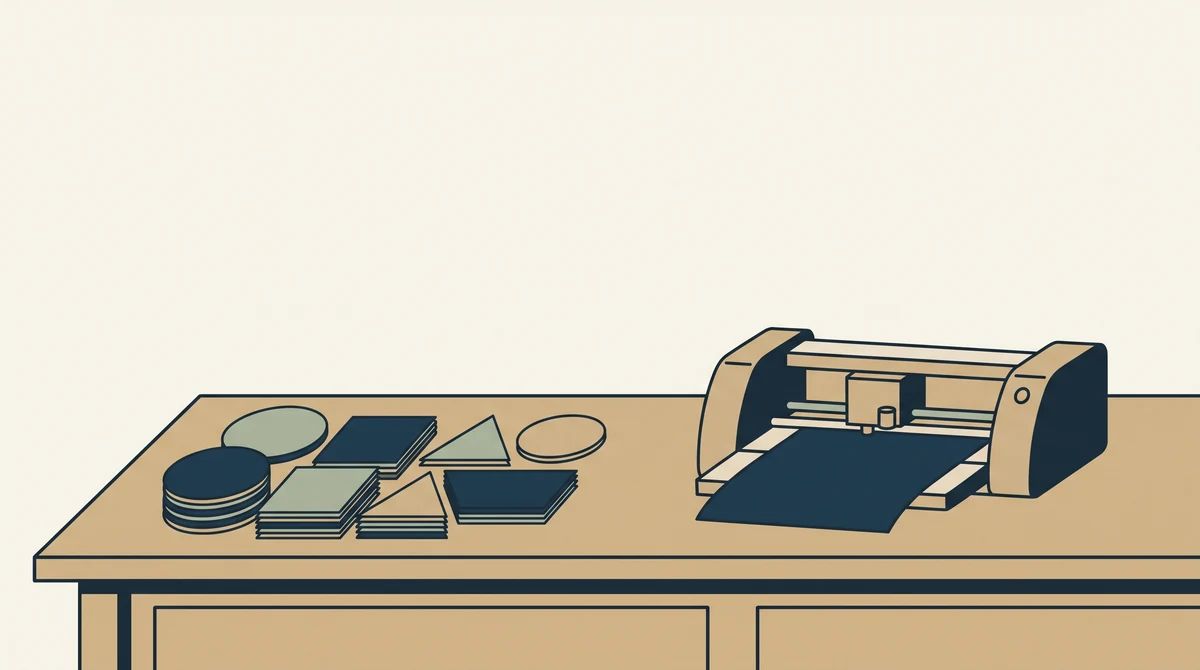
An SVG is a vector file that a cutting machine reads as a set of paths to follow with a blade. Cricut and Silhouette are the two dominant machines, with Glowforge and various laser cutters making up a smaller but higher-spending slice. The buyer uploads your file into their machine's software, sizes it, and cuts it out of vinyl, cardstock, heat transfer material, or wood.
That single fact changes everything about how you sell. Your file is not the finished product. It is an input into something the buyer is going to make, and the thing they are actually buying is confidence that it will cut cleanly the first time.
There are broadly three customer types, and they buy differently.
- The hobbyist. Makes gifts and things for their own house. Buys one file at a time, price sensitive, high volume across the market. Personal-use license is fine for them.
- The small-business crafter. Sells finished t-shirts, tumblers or signs at markets and in their own Etsy shop. Buys bundles, cares deeply about commercial-use terms, and is the most valuable repeat customer you will get.
- The other designer. Buying elements to compose into their own work. Less common, and the reason your license terms need to say whether resale of the file itself is allowed. It is not.
What to include in the file so nobody asks for a refund
Include four formats in every download, because the buyer's software determines what they need and you have no way of knowing which machine they own. Missing formats is the single most common reason cut-file listings get poor reviews.
| Format | Who needs it | Why |
|---|---|---|
| SVG | Cricut Design Space, Silhouette Business Edition | The standard vector cut format |
| DXF | Silhouette Studio basic (free version) | Free Silhouette cannot open SVG |
| PNG | Print then cut, mockups, sublimation | Transparent background, 300 DPI |
| EPS or PDF | Adobe users, laser cutters, print shops | Scales cleanly, opens anywhere |
Beyond formats, the technical quality of the file itself is what separates a shop with four-star reviews from one with five.
- Convert all text to outlines. If you leave live text, the buyer's machine substitutes a font they have and the design falls apart. This is the number one file complaint in the category.
- Weld overlapping shapes. A script word that is not welded cuts as a pile of disconnected letters. Weld it, then check it by eye at small size.
- Group layers by color. A three-color design should import as three obvious layers, not thirty scattered paths. Name them if your software allows.
- Remove stray nodes and hidden duplicate paths. Invisible duplicates make the machine cut the same line twice, which tears vinyl and burns wood.
- Test cut it. Actually run it on a machine at a small size before you list. Half the problems in this category are only visible at cut time.
Watch out: Do not sell files based on trademarked characters, sports teams, brand logos, song lyrics, or movie quotes. It is the fastest way to get a listing removed and a strike on your account, and it is by far the most common reason cut-file shops get shut down. If you have to ask whether a phrase is owned, assume it is.
Bundle by project, not by theme
Bundle files around what the buyer is making, not around a subject you find interesting. A crafter does not wake up wanting fourteen floral designs. They wake up needing everything for a baby shower, or a set of designs for the twelve tumblers they are selling at a market in three weeks.
"A themed bundle sells to the person who likes your style. A project bundle sells to the person with a deadline."
Project bundles that consistently perform: complete party sets with banner letters, cupcake toppers and a welcome sign in a matching style. Seasonal shirt collections with eight to twelve designs. Monogram alphabets in a single font, which are effectively infinite personalization for the buyer. Home-organization label sets for pantry jars. Milestone card sets for babies and pets.
| Product | Typical price range | What it does for you |
|---|---|---|
| Single design | $2 to $5 | Entry point, easy to rank on long-tail terms |
| Small set (5 to 10 files) | $6 to $12 | The workhorse; best margin per unit of effort |
| Project bundle (20 to 40) | $12 to $25 | Higher order value, strong for commercial buyers |
| Mega bundle (100 plus) | $20 to $45 | Volume play; discounts each file heavily |
Typical Etsy price ranges as of 2026. Cut-file pricing is competitive; position on quality and clarity rather than on being cheapest.
The mega bundle is tempting and it is a trap for a new shop. It anchors your entire catalog at a few cents per file, and once buyers see 200 designs for $22 in your shop, the $4 single stops making sense to them. Build the middle of that table first.
What you need to actually make the files
You need one vector program and a way to test cut. That is the whole toolchain, and the free options are good enough to build a catalog on.
- Inkscape. Free, open source, exports clean SVG and DXF natively. Most working cut-file sellers use it, and every technique in this post is possible in it.
- Adobe Illustrator. Subscription cost, better pen tool and type handling, and it exports every format on the list. Worth it if you are already fluent.
- Affinity Designer. One-time purchase, capable, and a reasonable middle ground.
- A cutting machine. Even an entry-level Cricut pays for itself in avoided refunds, because it is the only way to catch problems your screen hides.
- Commercially licensed fonts. This one gets people in trouble. A font that is free for personal use is not free to sell designs made with, even after you outline the text. Buy the commercial license or use fonts released under a license that permits it.
On originality: the whole category runs on it, and the shortcuts are obvious to buyers. Tracing someone else's design, buying a mega bundle and reselling its contents, or exporting clip art you do not have rights to will all eventually produce a takedown. Draw your own, or build from stock elements whose license explicitly permits resale in derivative digital products, which is rarer than sellers assume.
A practical way in, if drawing from scratch feels out of reach, is to specialize in something structural rather than illustrative. Monogram frames, label sets, shadow-box layers, cake toppers and box templates are all geometry rather than art. They sell steadily, they are technically demanding in ways that reward care, and far fewer people are making them.
Licensing: say it plainly on the listing
State your commercial-use terms in the listing description, in plain language, above the fold. This is not legal housekeeping. It is a purchase driver, because the small-business crafters who spend the most will not buy a file whose terms are unclear.
A workable, common structure looks like this. Personal use is always included. Commercial use is permitted for finished physical products, with a sales cap you actually state, often 200 to 500 units. Redistribution or resale of the digital file in any form is never permitted, and neither is putting the design on a print-on-demand marketplace where the file itself is the product.
- Put the summary in the description. Three or four lines, not a wall of text. Buyers skim.
- Include a full license PDF in the download. This is what a commercial buyer keeps on file.
- Be specific about the sales cap. "Unlimited commercial use" is a strong selling point if you mean it. If you do not, say the number.
- State that credit is or is not required. Most sellers do not require it. Say so, because buyers assume the worst when it is unstated.
This is general guidance and not legal advice. If you are building a large catalog or licensing at scale, talk to someone qualified in your jurisdiction.
How the download itself should be organized
Structure the zip so a buyer can find what they need without opening five folders. Etsy allows multiple files per digital listing with a size cap per file, and how you package them affects your reviews more than you would expect.
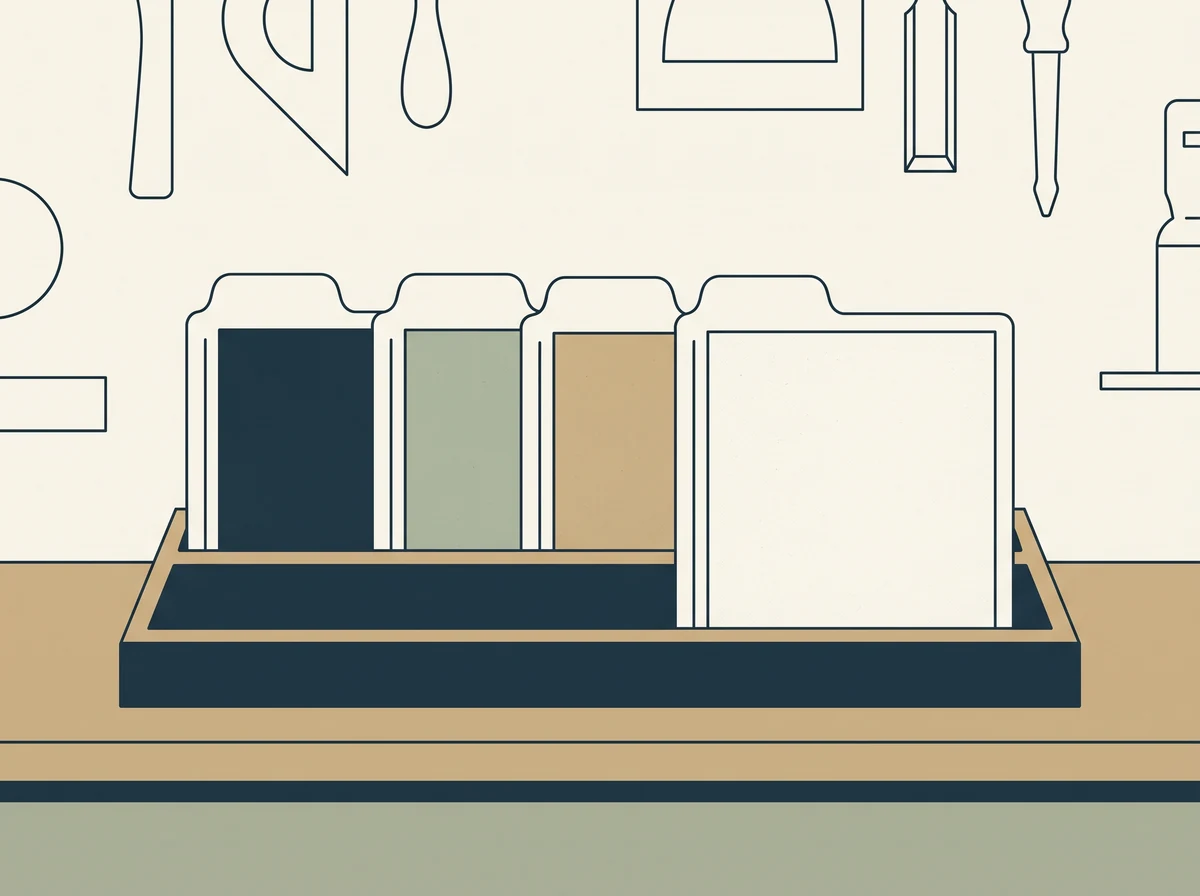
Use folders named by format, not by design number. A buyer with a Silhouette goes straight to the DXF folder and never has to think about the rest. Inside each folder, name the files descriptively: "wildflower-bouquet.svg" rather than "design_07_final_v2.svg". Include a short read-me at the top level covering what is in the pack, how to resize without distorting, and your license summary in plain language.
If a bundle is large enough to bump against file-size limits, split it into two or three zips and label them clearly in the listing, or host it in a cloud folder and deliver a PDF containing the link. The link approach is common for mega bundles, but it means your delivery depends on a service staying up, so keep the folder tidy and never move it.
How to make the listing rank
Write the title the way a crafter searches, which is more specific than you expect. They rarely search "flower SVG". They search "wildflower svg bundle for cricut", "boho arch svg", "split monogram svg for vinyl". The searches carry the machine, the material, or the project.
A few things specific to this category that lift conversion more than title tweaks:
- Show the file cut, not just rendered. A photo of the design in actual vinyl on an actual mug beats a flat digital preview every time. Buyers are judging whether it cuts well.
- Put the format list in an image. One graphic listing SVG, DXF, PNG, EPS removes the most common pre-purchase question.
- Show the layers separated. An exploded view of a three-color design proves the file is properly built.
- List what is in a bundle. A contact-sheet image of all 24 designs, small, in a grid. Buyers scan it in two seconds and decide.
- Fill the digital attributes. File type and craft type attributes put you into Etsy's filter rails, which is a discovery path completely separate from the search box.
What a realistic first six months looks like
Expect slow and then sudden. Digital files have no marginal cost, so nothing happens for a while and then a listing catches and produces sales at three in the morning with no involvement from you. The shops that get there did the boring thing: they published consistently and fixed the technical problems buyers reported.
A sensible first six months is roughly 40 to 60 published listings, weighted toward small sets rather than singles, spread across two or three related themes rather than scattered. Two themes lets you learn which one your audience responds to. Ten themes teaches you nothing.
Watch which files get bought together. That pairing is your next bundle, and it is better information than any trend list. If you would rather not read order data manually, ask Spryte which of your listings sell alongside each other.
Expect a seasonal shape too. Cut-file demand spikes ahead of holidays by four to six weeks, because crafters are making things for events rather than buying for the day itself. That means your Christmas designs need to be live in early October and your Valentine's designs in late December, which is earlier than most sellers instinctively plan for.
The compounding effect is real but slow. A file published in month one is still selling in month twenty-four, so the catalog you build is an asset rather than an inventory. That is the actual case for this category over physical products, and it only works if you keep publishing through the quiet stretch at the start.
Frequently asked questions
How do I sell SVG files on Etsy?
Create original vector designs, export them as SVG, DXF, PNG and EPS in a single zip, and list them as digital downloads so Etsy delivers them automatically. Price singles around $2 to $5 and small sets around $6 to $12, state your commercial-use terms clearly in the description, and show photos of the design actually cut in vinyl rather than only a digital preview.
What file formats should I include with an SVG listing?
Include SVG, DXF, PNG and EPS or PDF at minimum. SVG covers Cricut Design Space and paid Silhouette software, DXF is needed because the free version of Silhouette Studio cannot open SVG files, PNG at 300 DPI with a transparent background covers print-then-cut and sublimation, and EPS or PDF serves Adobe users and laser cutters.
Do I need to offer commercial use rights on my cut files?
You do not have to, but including commercial rights significantly widens your buyer pool because small-business crafters are the highest-value repeat customers in this category. A common approach is to allow use on finished physical products up to a stated number of sales while prohibiting any resale or redistribution of the digital file itself. State the terms in the listing and include a license PDF in the download.
Why do buyers say my SVG will not cut properly?
The usual causes are live text that was never converted to outlines, overlapping shapes that were not welded, and hidden duplicate paths that make the machine cut the same line twice. Convert all text to outlines, weld script and overlapping elements, delete stray nodes, and run a physical test cut at small size before you publish the listing.
Can I sell SVG files of popular characters or song lyrics?
No. Characters, logos, team names, song lyrics and film quotes are protected by copyright or trademark, and selling files based on them is the most common reason cut-file shops get listings removed or accounts suspended. Design original artwork, and when a phrase feels familiar enough that you are unsure, treat it as owned by someone else.
Related reading
For the mechanics of selling any digital file on Etsy, read Selling Digital Downloads on Etsy, and for how to package multiple files into a higher-value offer, see Why Bundles Outsell Single Listings.