Mobile-First Listings: Winning the Tap on a Phone Screen
By The MyShop Team · 2026-07-18 · 6 min read
Here's a quick test. Open Etsy on your phone, search for something you sell, and glance at the grid for one second, the way a real shopper does. The listings that jump out aren't the ones with the best products. They're the ones with the clearest thumbnails. On a phone, your main photo shrinks to a small square in a scrolling grid, and it has about a second to earn a tap.
Key takeaway: Most Etsy shopping happens on a phone, so design your main photo to read clearly as a small thumbnail, because the tap it earns drives both your sales and the click-through rate Etsy ranks on.
Why does mobile change how your photos work?
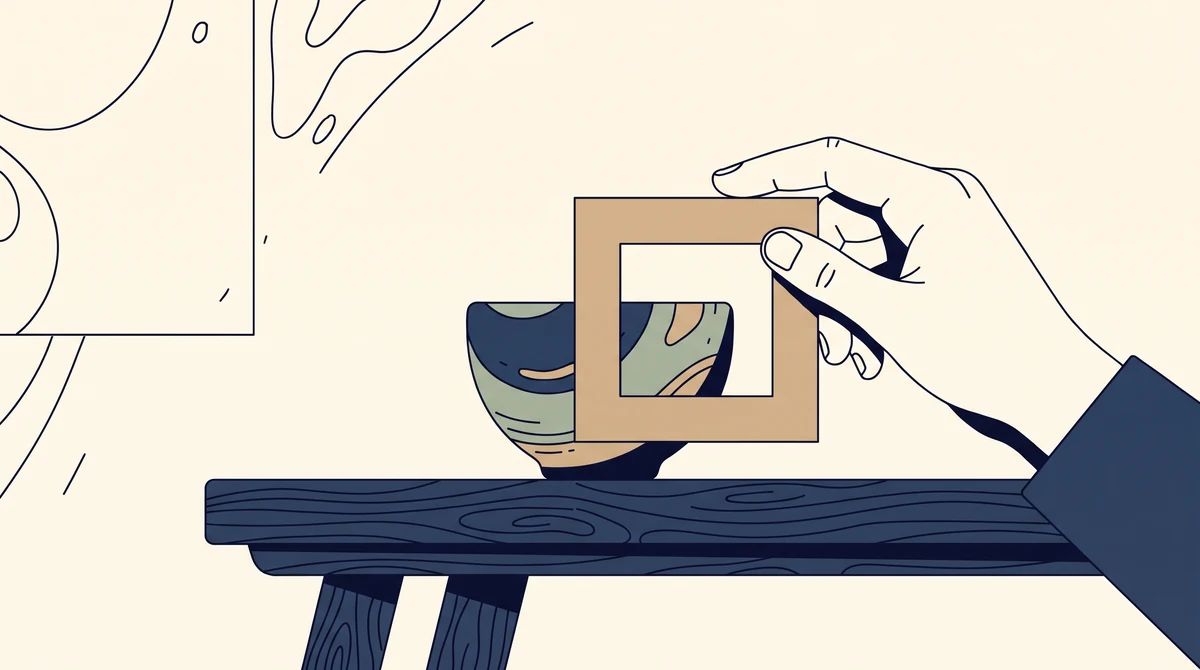
Mobile changes everything because most Etsy shoppers browse on a phone, where your main image appears as a small thumbnail in a crowded grid, so a photo that looks great full-size can still fail at the size that decides the tap. A photo you edited on a large screen looks detailed and rich. That same photo on a phone becomes a thumbnail the size of a postage stamp.
The elegant styling you spent an hour on can turn into a muddy little square where the product is hard to make out. And the thumbnail is the gatekeeper: no matter how good your other photos, price, or description are, none get seen until the shopper taps in. Mobile doesn't just change the screen size, it changes which photo does the most important job.
What makes a thumbnail win the tap?
A winning thumbnail fills the frame with the product, uses a clean high-contrast background, and stays instantly readable when shrunk, so a shopper understands it at a glance without zooming. You're designing for clarity at small size, not beauty at full size.
- Fill the frame. Let the product take up most of the image. A tiny product floating in empty space disappears at thumbnail scale.
- Use a clean, contrasting background. The product should pop off its background. A busy or same-color backdrop reads as noise.
- Cut small text. Fine print vanishes when shrunk. If you must add words, use a few large, bold ones.
- Keep one clear subject. One hero product, clearly lit. A cluttered scene with five items becomes a blur.
- Stand out from neighbors. If everyone ranking for your keyword uses a white background, a soft color behind your product breaks the pattern.
Weak vs strong thumbnail, at a glance
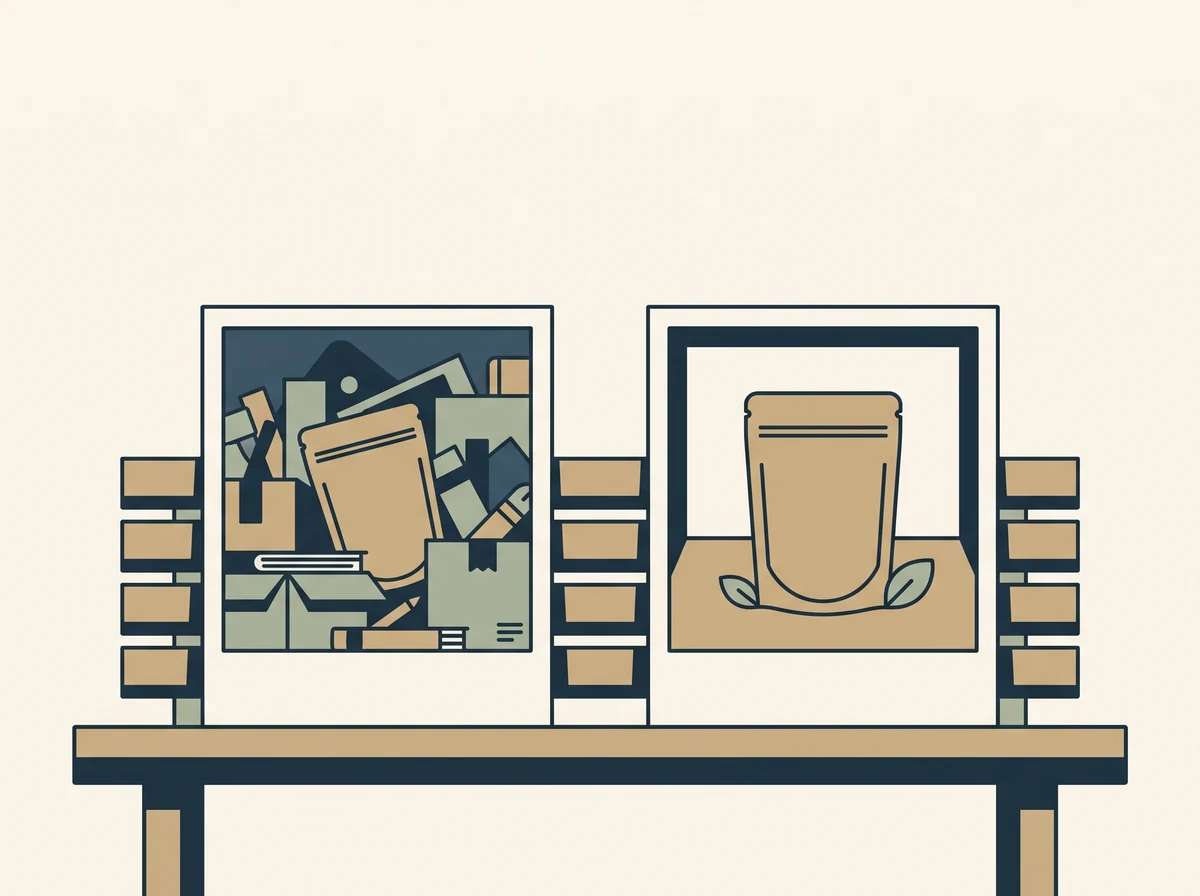
The difference between a thumbnail that gets skipped and one that gets tapped comes down to a few concrete choices you can copy. Compare the two approaches side by side.
| Weak thumbnail | Strong thumbnail |
|---|---|
| Product small and centered in empty space | Product fills most of the frame |
| Busy or same-tone background | Clean, high-contrast background |
| Small text and logos that vanish when shrunk | No text, or a few large bold words |
| Several items competing for attention | One clear hero product, well lit |
| Looks like every neighbor in the grid | Breaks the pattern and draws the eye |
How do you test a photo before publishing?
You test a photo by shrinking it to thumbnail size and viewing it on a phone, because a quick squint test reveals whether the product still reads clearly at the size shoppers actually see. Don't judge your main photo at full size, judge it the way Etsy displays it.
- The squint test. Shrink the image small, or step back and squint. If the product blurs into its background or you can't tell what it is, the thumbnail fails.
- The grid test. Open the live Etsy app, search your main keyword, and see your listing among competitors. Does yours draw the eye, or blend in? This is the exact view your shopper gets.
Run both before you publish, and again whenever a listing gets impressions but few clicks. That pattern, lots of views and few taps, is almost always a thumbnail problem, not a keyword problem.
Does a better thumbnail actually help ranking?
Yes, a better thumbnail helps ranking because Etsy factors click-through rate and add-to-cart into search position, so a photo that earns more taps signals a listing worth showing to more shoppers. Etsy watches how shoppers respond to your listing in search results.
When your thumbnail earns a higher share of taps from the people who see it, that signals your listing deserves its spot, and Etsy tends to reward it with more visibility. The reverse is also true: a listing that shows up often but rarely gets tapped tells Etsy shoppers aren't interested, and its ranking can slip. So the main photo wins the shopper's click and feeds the data that lifts you in search, from a single change.
Frequently asked questions
Why is mobile optimization important for Etsy listings?
Because most Etsy shopping happens on a phone. Your main image is shown as a small thumbnail in a scrolling grid, so a photo that looks good full-size can still fail at the size that actually decides whether a shopper taps your listing.
How do I make my Etsy thumbnail stand out?
Fill the frame with the product, use a clean high-contrast background, remove small text that disappears when shrunk, and keep one clear subject. Then check how competing listings look and choose a background or angle that breaks the pattern.
How can I tell if my main photo works on mobile?
Shrink the image to thumbnail size or squint at it. If you can't instantly tell what the product is, it fails. Then search your keyword in the Etsy app on a phone and see your listing among competitors to judge whether it draws the eye.
Do listing photos affect Etsy search ranking?
Indirectly but meaningfully. Etsy factors click-through rate and add-to-cart into ranking. A thumbnail that earns more taps improves those metrics, which signals a listing worth showing to more shoppers and can lift your search position.

Design for the thumb
Your product isn't competing at full size. It's competing as a small square under a shopper's thumb, in a grid full of alternatives, for one second of attention. Win that second and everything else in your listing gets a chance to work. Lose it and your best photography, pricing, and copy never even get seen.
Pull up your top listing on your phone right now and run the squint test. If the thumbnail doesn't read in a glance, reshoot the main photo tighter and cleaner, or ask Spryte, your personal seller assistant, to review which of your listings are losing taps at the thumbnail.
Related reading
Go deeper with Etsy Product Photography Tips, and if traffic is the problem, see Why Your Etsy Shop Gets No Views.