Etsy Interested-Shopper Offers: Automate the Nudge That Closes Sales
By The MyShop Team · 2026-07-30 · 12 min read
You check your stats and watch it happen all day long. Someone favorites a listing, sits on it for a week, and never comes back. They were interested. They just needed one small reason to click buy, and nobody gave it to them.
Multiply that by every shopper who has ever viewed your shop and drifted off, and you start to see the size of the leak. Most of your lost sales are not people who said no. They are people who never quite got to yes. In 2026 Etsy shipped a tool that closes that exact gap for you, quietly and automatically, and most sellers have not turned it on yet.
Key takeaway: Etsy's interested-shopper offers automatically send a small discount to people who viewed your listings but did not buy, reaching about twice as many potential buyers as other targeted offers (as of 2026). Turn them on, keep the discount shallow enough to protect your margin, and you recover sales you were already losing without ever running a shop-wide sale.
What are Etsy's interested-shopper offers?
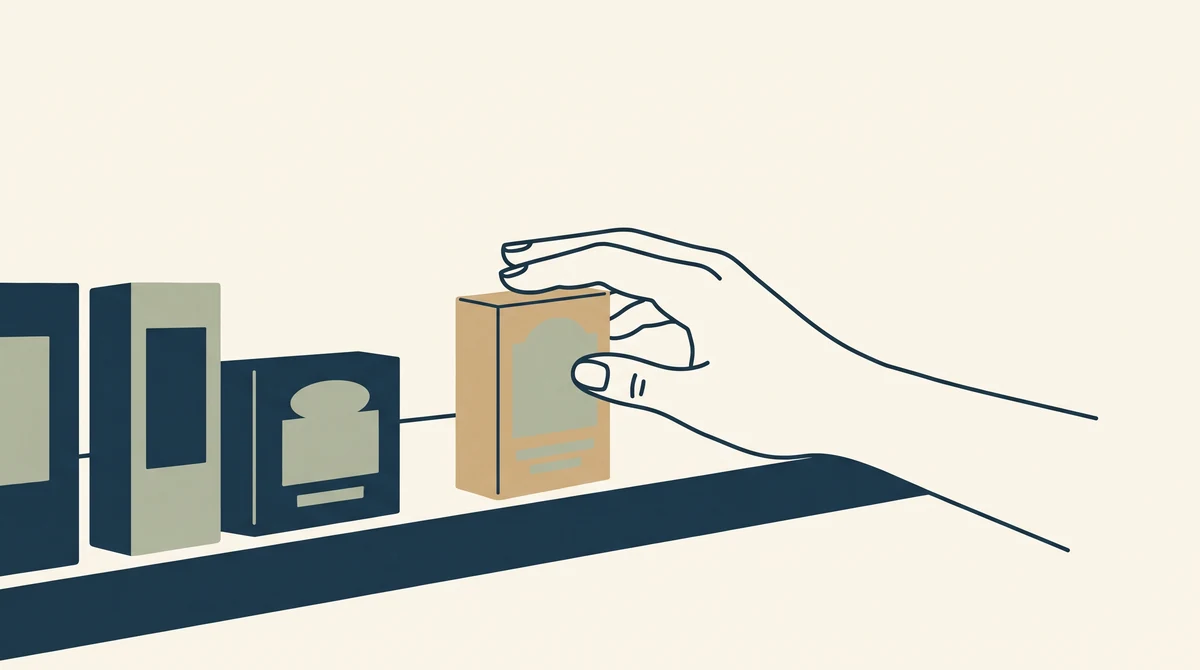
Interested-shopper offers are automatic discounts Etsy sends to people it identifies as close to buying from you. Etsy decides who counts as "interested" using signals like how often and how recently someone has viewed your listings, then emails them a targeted offer on your behalf once you have switched the feature on. According to Etsy, these offers reach roughly two times more potential buyers on average than its other targeted-offer tools (as of 2026).
The point is recovery. These are not cold shoppers who have never heard of you. They already found you, looked more than once, and stalled somewhere between interest and checkout. A modest nudge at the right moment is often all it takes to turn a saved favorite into a paid order.
Here is what makes the tool different from a plain sale. A sale drops your price for everyone, including the buyers who were going to pay full price anyway. An interested-shopper offer only reaches the specific people who showed intent and then hesitated. You are not discounting your whole shop. You are handing a small, timed coupon to the exact shoppers who needed one.
How does Etsy decide who is "interested"?
Etsy looks at behavior that signals genuine buying intent, not random browsing. You cannot see the exact formula, and it can change, but the signals it leans on are the obvious ones:
- Recency: someone who viewed your listing in the last few days is warmer than someone who looked a month ago.
- Frequency: repeat views of the same item say "I keep coming back to this," which is close-to-buying behavior.
- Engagement: favoriting a listing or adding it to a cart and not checking out are strong hesitation signals.
- Overall interest in your shop: shoppers who have browsed several of your items, not just one, get counted too.
You do not manage any of this by hand. Once the feature is on, Etsy watches for those signals in the background and sends offers to the people who match. Your only real job is deciding how generous the offer is.
"Most of your lost sales are not rejections. They are almost-buyers who never got a reason to come back."
How do you turn on automatic offers?
You set it up once in your shop's marketing tools and Etsy runs it for you after that. The whole thing takes a few minutes:
- Open Marketing: from your Shop Manager, go to the Marketing tab.
- Find Sales and Discounts: click into Sales and Discounts, where your coupons and running sales already live.
- Enable the offer: choose "Automatically send offers to interested shoppers" and set your discount amount.
- Let it run: Etsy handles the targeting and sends offers to eligible viewers automatically, so you never have to catch them one by one.
Pro tip: Turn it on and give it a few weeks before you judge it. Because it only fires when a shopper hits Etsy's interest signals, the offers trickle out over time rather than all at once. A slow first week is normal, not a sign it is broken.
Because it runs in the background, the single decision that matters most is the one number you control: how big the discount is. That is where a little math saves you a lot of margin.

How deep should your discount be?
Keep it shallow enough that a recovered sale is still a good sale. A 10 percent nudge is usually plenty to move someone who was already interested, and it protects far more margin than the 20 or 25 percent people reach for out of habit. The chart below shows what each discount level hands back to the buyer on a single $40 order.
Here are the same numbers in full, including what the buyer pays:
| Discount | Buyer pays | You give up |
|---|---|---|
| 10% off | $36.00 | $4.00 |
| 15% off | $34.00 | $6.00 |
| 20% off | $32.00 | $8.00 |
Now put that next to your real margin. Say that $40 item costs you $18 in materials and fees, leaving $22 of profit. A 10 percent offer trims your profit to $18, which is still healthy. A 20 percent offer cuts it to $14, nearly a third of your profit gone on every single recovered order. The recovered sale is only worth chasing if what is left over still pays you fairly for the work.
Watch out: On thin-margin items, a deep automatic offer can quietly turn a profitable order into a break-even one. If you are not sure what a listing actually clears after fees and materials, ask Spryte to break down the numbers before you set the discount, so you are working from facts, not a guess.
Which of your listings benefit most?
Offers pay off most on listings that already earn interest but stall at the last step, so point the tool at your near-misses rather than your weakest items. A few patterns to look for:
- High-view, low-conversion listings: lots of eyes, few sales. These are full of almost-buyers, exactly the people offers are built to recover.
- Heavily favorited items: a big favorite count with modest orders means people love it but keep putting off the purchase. A small nudge often closes them.
- Considered or gift purchases: items shoppers mull over, like personalized or higher-priced pieces, naturally have a longer gap between interest and checkout, and that gap is where an offer lands.
- Healthy-margin products: items with room to give up a few points without hurting. Save the deepest recovery pushes for these, not your thinnest earners.
The listings that benefit least are brand-new ones with almost no traffic yet, since there is not enough interest for Etsy to act on. For those, work on visibility first and let offers catch up once the views arrive.
What other targeted offers can you layer in?
Interested-shopper offers are the newest and widest-reaching option, but they are not the only nudge Etsy gives you. Think of them as one tool in a small kit, each aimed at a slightly different moment in the buyer's hesitation:
- Offers to shoppers who favorited an item: a targeted discount to people who hearted a specific listing but did not buy. Narrower than interested-shopper offers, but very intent-driven.
- Abandoned-cart offers: a nudge to shoppers who added something to their cart and left. These are your warmest leads of all, since they got one click from checkout.
- Thank-you coupons: a discount sent after a purchase to pull the buyer back for a second order. This is about repeat business, not first-sale recovery.
You do not have to run all of them, and you should not stack them so aggressively that a shopper collects three overlapping discounts. Start with interested-shopper offers for reach, keep abandoned-cart offers on for your warmest leads, and use thank-you coupons to turn one-time buyers into repeat ones.
How do you avoid training everyone to wait for a discount?
The honest risk with automatic offers is that they can nudge your audience toward a haggling mindset, where nobody buys at full price because they are waiting for the coupon. You avoid that by keeping the offers targeted and your public prices firm. A few habits keep you in control:
- Cap redemptions: when you create a coupon, limit how many times it can be used so a shared code cannot be drained by a handful of people.
- One use per buyer: keep offers to a single redemption per shopper so no one stacks them.
- Keep list prices steady: resist marking everything down. The offer is the discount channel, so your public price does not need to be.
- Do not overlap with a shop-wide sale: running both at once gives margin away to people who would have paid full price.
Handled this way, offers stay a quiet recovery tool working in the background, not a permanent sale that reprograms your buyers.
How do you tell if it is working?
Give it a full month, then look at whether the offers are turning views into orders rather than just going out. A few things to watch:
| Signal | What it tells you |
|---|---|
| Offers sent | Whether Etsy is finding enough interested shoppers to reach |
| Orders with an offer applied | How many recovered sales the tool actually drove |
| Average order profit after the discount | Whether your discount depth still leaves a fair margin |
If offers are going out but almost none convert, your discount may be too small to move people, or your listing has a different problem (photos, price, reviews) that a coupon cannot fix. If offers convert well but your profit per order feels thin, dial the discount back a few points and watch whether conversions hold.
It helps to picture the payoff in plain numbers. Say Etsy sends offers to 200 interested shoppers in a month, and a 10 percent nudge converts 5 percent of them. That is 10 recovered orders you would otherwise have lost. On a $40 average order, here is the rough shape of it:
| Line | Amount |
|---|---|
| Recovered orders (5% of 200) | 10 orders |
| Revenue at $36 each (after 10% off) | $360.00 |
| Discount you funded (10 x $4) | $40.00 |
| Sales you would have had otherwise | $0.00 |
Those are illustrative numbers, so run your own conversion rate. The point stands either way: because these are buyers you were losing, almost any recovered order is upside, as long as the discount you fund stays smaller than the profit the order brings in.
What mistakes should you avoid?
Most of the ways this tool disappoints sellers come down to a handful of avoidable errors:
- Setting the discount too deep: the most common one. A 20 percent auto-offer on everything erodes margin fast.
- Turning it off after a slow week: the offers build over time. Judging it after seven days is judging it early.
- Ignoring the underlying listing: if a listing has weak photos or no reviews, a discount rarely rescues it. Fix the fundamentals first.
- Stacking every offer type at once: overlapping discounts confuse shoppers and give away margin.
Will automatic offers make your shop look cheap?
Not when they stay shallow and targeted, because the offer reaches one interested shopper at a time rather than plastering a big red sale banner across your shop. To the buyer, it feels less like a clearance rack and more like a small, well-timed thank-you for their interest. Your listings keep their full-price positioning for everyone else, and your brand still reads as considered rather than discount-driven.
The place brands actually cheapen themselves is with constant, deep, shop-wide sales that teach buyers the "real" price is always lower. Interested-shopper offers are the opposite of that. They are quiet, individual, and modest. If you keep the discount in the 10 percent range and resist running it on top of a full sale, you get the recovery benefit without any of the bargain-bin feeling. Premium shops can and do use targeted offers precisely because they protect the public price while still rescuing the occasional hesitant buyer.
When should you use offers instead of a full sale?
Use automatic offers for steady, everyday recovery and save shop-wide sales for real events. They solve different problems:
- Use interested-shopper offers when you want to win back individual viewers all month long without touching your public prices.
- Run a full sale when you have a reason a shopper can feel, like a holiday, a new collection launch, or clearing seasonal stock.
- Avoid stacking both at once, or you hand margin to people who would have paid full price anyway.
Turned on and left alone, offers quietly recover the sales that used to slip away. That is the whole win: more of the interest you already earned turns into orders, and you did the work of earning that interest a long time ago.
Frequently asked questions
What are Etsy interested-shopper offers?
They are automatic discounts Etsy sends to shoppers it identifies as likely to buy, based on how often and how recently they viewed your listings. You set the discount once and Etsy sends the offers for you, reaching about twice as many potential buyers as other targeted offers as of 2026.
How do I turn on automatic offers on Etsy?
Go to your Shop Manager, open the Marketing tab, click Sales and Discounts, and choose "Automatically send offers to interested shoppers." Set your discount amount and Etsy handles the targeting and sending from there.
What discount should I offer interested shoppers?
A 10 percent discount is usually enough to nudge someone who already viewed your listing, and it protects more of your margin than a steeper cut. Check your profit after fees and materials before you decide, since a deep discount on a thin-margin item can wipe out your profit on every recovered order.
Do automatic offers lower my prices for everyone?
No. The offer only goes to shoppers Etsy flags as interested, and your public listing price stays the same. To keep it controlled, you can also limit coupon redemptions and cap them at one per buyer.
How long before interested-shopper offers show results?
Give it about a month. Offers only fire when a shopper hits Etsy's interest signals, so they trickle out over time rather than all at once, and a quiet first week is normal. Judge the tool by orders recovered and profit per order after a few weeks, not after a few days.
Related reading
For more ways to turn shop traffic into orders, see What's New in the Etsy Seller App and How to Promote Your Etsy Shop for Free.